Table of Contents
- AMZN Digital Is Not a Physical Item
- Start Here: Match the Amount
- The Most Overlooked Causes
- When It Might Actually Be Unauthorized
- What To Do Immediately If It Looks Suspicious
- Why This Charge Feels So Stressful
- How to Double-Check in Under Two Minutes
- Preventing This From Happening Again
- The Bottom Line on AMZN Digital Charges
You weren’t shopping.
You didn’t get a delivery.
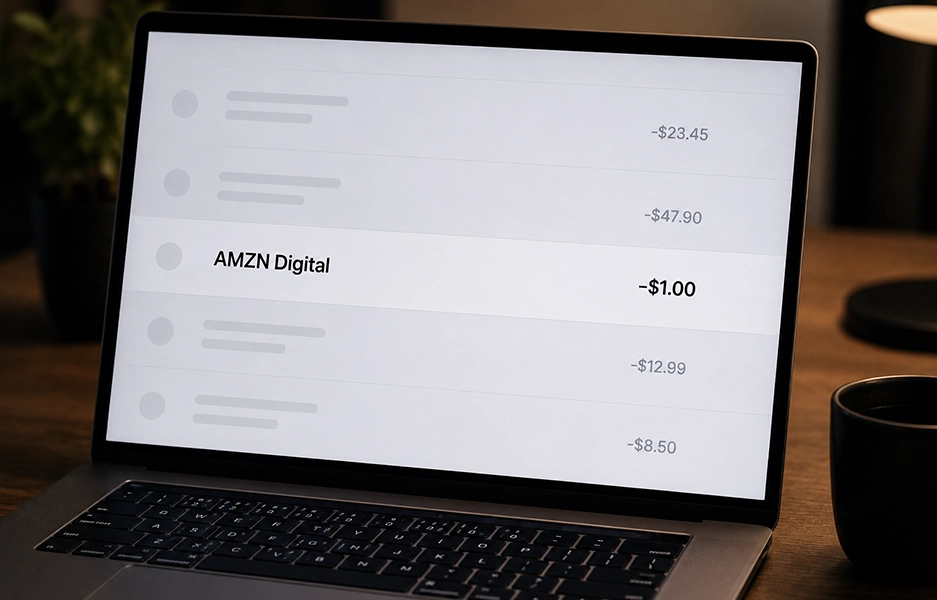
But your bank statement shows: AMZN Digital.
That’s enough to make anyone nervous.
Before you assume fraud, let’s slow this down and figure out exactly what’s happening. Because most of the time, this AMZN Digital charge has a simple explanation — even if it doesn’t feel that way at first.
AMZN Digital Is Not a Physical Item
This is the biggest source of confusion. An AMZN Digital charge is not for a physical item. Nothing is shipping. There will be no box on your doorstep. This label is used when Amazon bills you for something online-based — access, streaming, downloads, or recurring services. That’s why it feels invisible.Start Here: Match the Amount
Instead of guessing, look at the dollar amount. The number itself is your biggest clue.- Around $14–$16? Likely Prime monthly.
- Around $139? Prime annual renewal.
- Around $9–$15? Music, Kindle Unlimited, or a channel subscription.
- Around $3–$6? Movie rental.
- Random small amount like $1.99 or $4.99? App or in-game purchase.
The Most Overlooked Causes
Let’s go beyond the obvious.Forgotten Channel Subscriptions
Many people subscribe to a streaming channel through Prime Video — not realizing it’s separate from Prime itself. Examples include:- Starz
- MGM+
- Paramount+
- Discovery+
Auto-Renewing Add-Ons
Amazon allows you to stack services:- Music Unlimited
- Kindle Unlimited
- Audible
- Kids+
- Cloud storage upgrades
Someone Used Alexa
Voice purchases happen more than people realize. If Alexa is enabled for purchasing, a family member could have:- Rented a movie
- Ordered digital content
- Added a subscription
An Old Account Is Still Active
This is extremely common. You might have:- A college email account
- An old Yahoo or Hotmail login
- A second Amazon account you forgot existed
When It Might Actually Be Unauthorized
Now let’s address the real fear. Could it be fraud? Yes — but it’s less common than subscription renewals. Red flags include:- Multiple charges in one day
- Charges at odd hours
- Account login alerts you didn’t recognize
- Purchases in categories you never use
What To Do Immediately If It Looks Suspicious
- Change your Amazon password.
- Turn on Two-Step Verification.
- Check “Login & Security” for unknown devices.
- Remove unfamiliar payment methods.
- Contact Amazon support directly through your account dashboard.
Why This Charge Feels So Stressful
Digital billing is quiet. There’s no shipping confirmation, tracking number, or delivery photo. Money just disappears — and the description is vague. That’s what triggers panic. But in the overwhelming majority of cases, an AMZN Digital charge turns out to be:- A recurring service
- A trial that converted
- A streaming add-on
- A family purchase
- An old account billing
How to Double-Check in Under Two Minutes
If you want clarity fast:- Log into Amazon.
- Go to Your Account.
- Click Memberships & Subscriptions.
- Review every active service.
- Then check Digital Orders for one-time purchases.
Preventing This From Happening Again
If you hate surprises on your bank statement, here’s what helps:- Turn off auto-renew for unused services.
- Cancel trials immediately after signing up.
- Set a reminder in your calendar for renewal dates.
- Use a purchase PIN for digital content.
- Disable Alexa voice purchasing if not needed.
The Bottom Line on AMZN Digital Charges
Seeing AMZN Digital on your bill feels alarming because it’s vague. But vague doesn’t mean fraudulent. Start by:- Matching the amount.
- Checking subscriptions.
- Reviewing digital orders.
- Searching all email accounts.
- Confirming no one in your household made a purchase.
 Brand Alignment